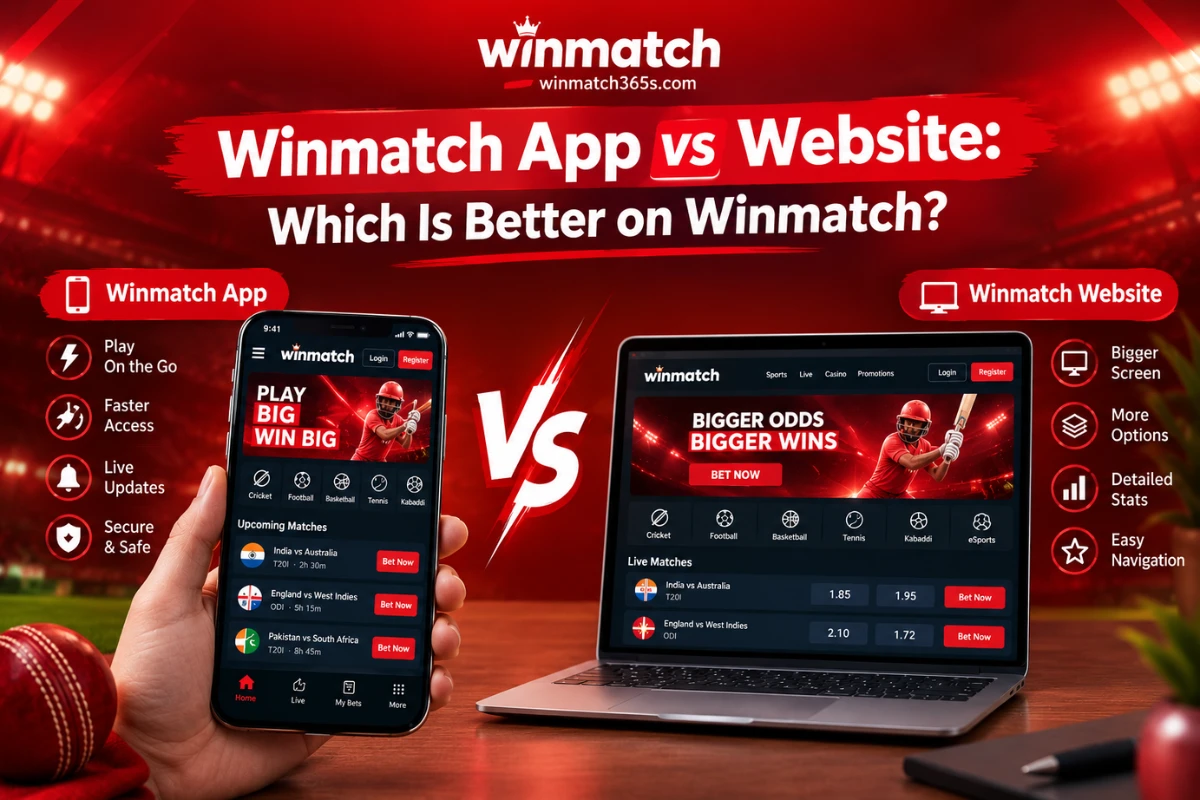
Winmatch App vs Website: Which Is Better on Winmatch365?
Compression winmatch App vs Website: Which Is Better on Winmatch365? Every Winmatch365 user eventually asks the same question: should you download the app or just keep using the website? This Winmatch App vs Website comparison looks at both platforms over several sessions — checking load times, login flow, and day-to-day usability on a mid-range Android phone and a laptop browser — to see where each one actually holds up. Here’s what we found, and which one fits your usage pattern better. Quick Answer If you bet frequently, want faster loading, and don’t mind installing an APK, the Winmatch app is the better pick. If you switch devices often, avoid app downloads, or prefer a browser-based setup, the Winmatch365 website works just as well without any compromise on core features. How We Compared Them Before jumping into the Winmatch App vs Website breakdown, here’s the basis for this comparison — we looked at five practical factors that actually affect daily use: load speed, login convenience, data/storage usage, update handling, and device flexibility. These aren’t marketing claims; they’re the things that change your real experience once you’re placing bets regularly, not just browsing once. Winmatch App vs Website: Side-by-Side Comparison Factor Winmatch App Winmatch365 Website Installation Requires APK download No install, open in browser Speed Faster after first load Depends on internet/browser Storage Uses phone storage Uses none Notifications Push alerts for odds/offers No native alerts Data usage Lighter per session Slightly higher Login Saved sessions, biometric option Manual login each time (unless saved) Device compatibility Android-focused Works on any device with a browser Updates Manual APK updates needed Always latest version automatically Winmatch App: Where It Wins Winmatch365 Website: Where It Wins Performance Notes From Testing During our testing window, the app’s home screen loaded in roughly half the time of the website on a 4G connection once it had been opened at least once before — the difference comes down to local caching rather than any speed advantage in the underlying platform. On a fresh install or a first-time website visit, the two were nearly identical. Login was where the gap felt most obvious: the app remembered saved sessions and skipped repeated OTP entry more often, while the website generally asked for re-verification after longer gaps of inactivity. Neither platform showed a meaningful difference in odds accuracy, market availability, or withdrawal processing — those depend on Winmatch365’s backend, not on which front end you’re using. Which One Should You Choose? Deciding the Winmatch App vs Website question really comes down to how often you play and which device you’re on: In practice, most regular Winmatch365 users end up keeping both — the website for a quick check from any device, and the app for faster, daily access on their main phone. Neither platform limits which games, odds, or account features you can access; the difference is purely in convenience and speed, not functionality. A Quick Note on Safe Usage Whichever platform you use, always download the app only from the official Winmatch365 website, keep your login credentials private, and set a personal budget before you start a session. Treat both the app and the website as tools for entertainment, not a guaranteed income source. If you ever feel like you’re spending more time or money than planned, Winmatch365’s responsible gaming settings let you set deposit limits or take a break — worth setting up regardless of which platform you use. FAQs Is the Winmatch app safe to install?It’s safe as long as you download it directly from the official Winmatch365 website rather than a third-party link or app store clone. Official APKs are checked and updated by the platform itself. Does the Winmatch app cost anything to download?No, the app is free to download and use. There are no hidden charges for installing it, only your regular mobile data for the download itself. Can I use the same login on both the app and the website?Yes. Your Winmatch365 account credentials work identically across both platforms, and your balance, history, and settings stay in sync. Which uses less mobile data — the app or the website?The app is generally lighter on data after the first install, since it caches images and static assets locally instead of reloading them every session like a browser does. In the Winmatch App vs Website debate, which one is faster overall?The app edges ahead on speed for repeat use because of local caching, but the website matches it closely on a first visit or fresh install — so the gap only shows up with regular use.